Capture photos and videos of your event from every guest
Allow guests to upload unlimited photos and videos of your event into a shared gallery - no app downloads or guest signups required. Simply share a QR code or link with your guests and let the photos and videos flow in.
Why it works
Benefits of using Qrowd Pics for your event
- Your guests capture what you can't.
- When you're the host, you're greeting people, managing the timeline, and in front of the camera, not behind it. Qrowd Pics puts a QR code in front of every guest. They scan it with their phone camera, upload directly into your shared gallery, and you get every angle from every table without having to ask anyone.
- No app download. No account. Just scan and upload.
- Every extra step you ask guests to take loses a percentage of them. Qrowd Pics works entirely in the browser. Guests scan the QR code with their native camera app and upload directly from their camera roll. Nothing to install, no password to create.
- Full resolution, no compression.
- WhatsApp compresses photos to roughly 20% of their original size. iMessage does the same. Every photo and video uploaded to Qrowd Pics is stored and downloadable in its original resolution, exactly as it came off your guest's camera.
- 6 months to upload, 1 year to download.
- Group chats go quiet within hours. Qrowd Pics keeps the upload window open for 6 months after your event, so guests who want to sort through their camera roll first can still add their shots weeks later. Your entire collection stays available to download in full resolution for 1 year after the first upload.
- One QR code handles everything.
- Print your QR code on table cards, signage, or a welcome sign. Mention it once during the event. Guests scan it at their own pace, from wherever they are. You collect photos from every person in the room without chasing a single one.
- Download everything in one click.
- When you're ready, download your entire collection as a ZIP file from the admin console. No tapping through individual photos, no screenshots, no third-party tools. Everything in full resolution, organized and ready.
Simple setup
How it works
Create your event gallery, share with guests, and start collecting photos and videos in minutes. No app downloads, just memories.
For Guests
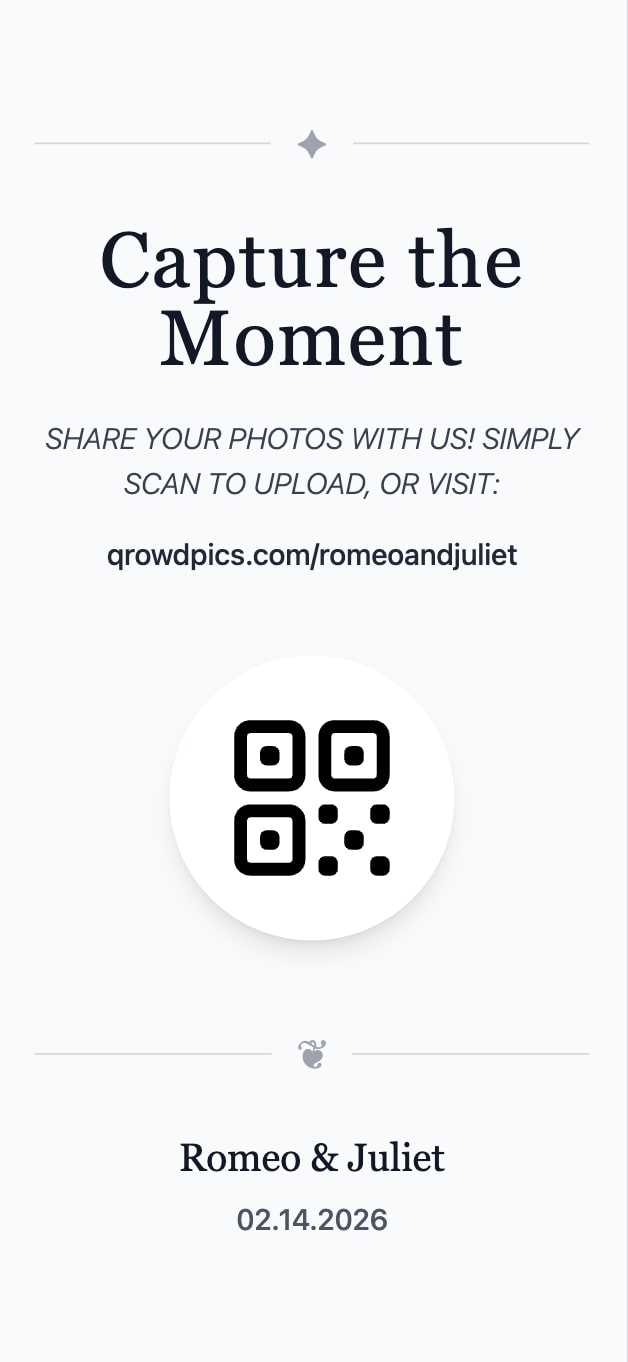
Scan QR code
Scan a QR code or visit the event's custom URL directly to access the gallery.
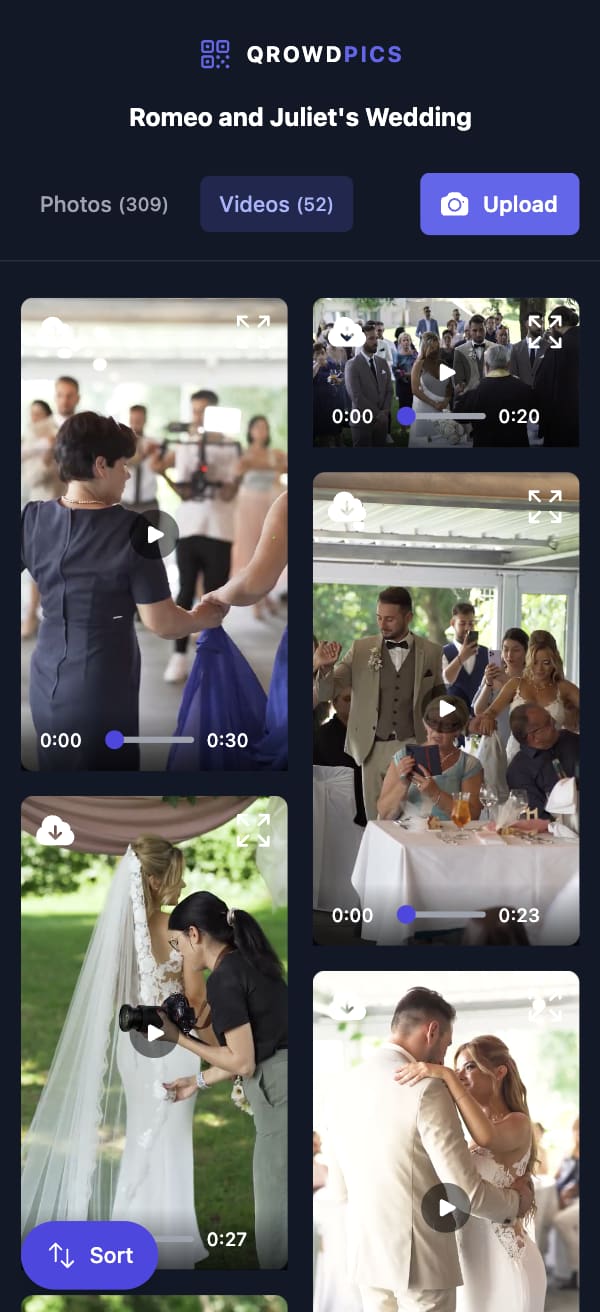
View event gallery
View and enjoy all photos and videos uploaded by various guests in the shared event gallery.
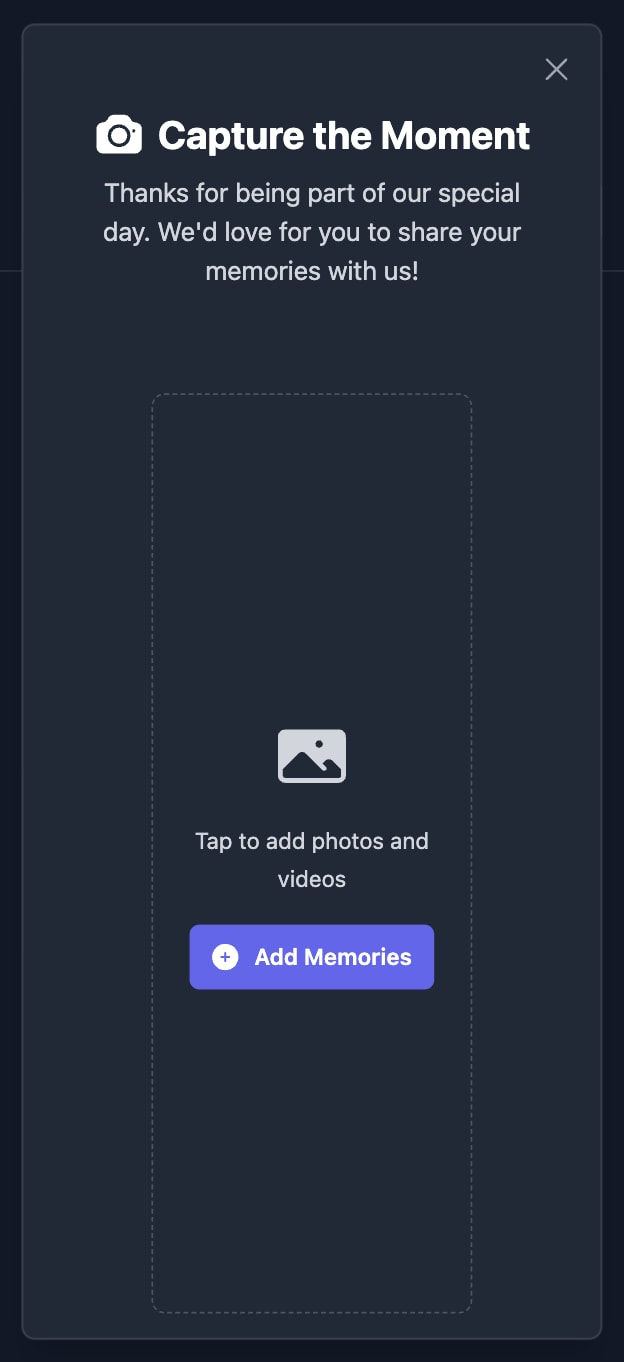
Upload photos and videos
Add your own photos and videos from any device to be displayed in the gallery.
For Hosts
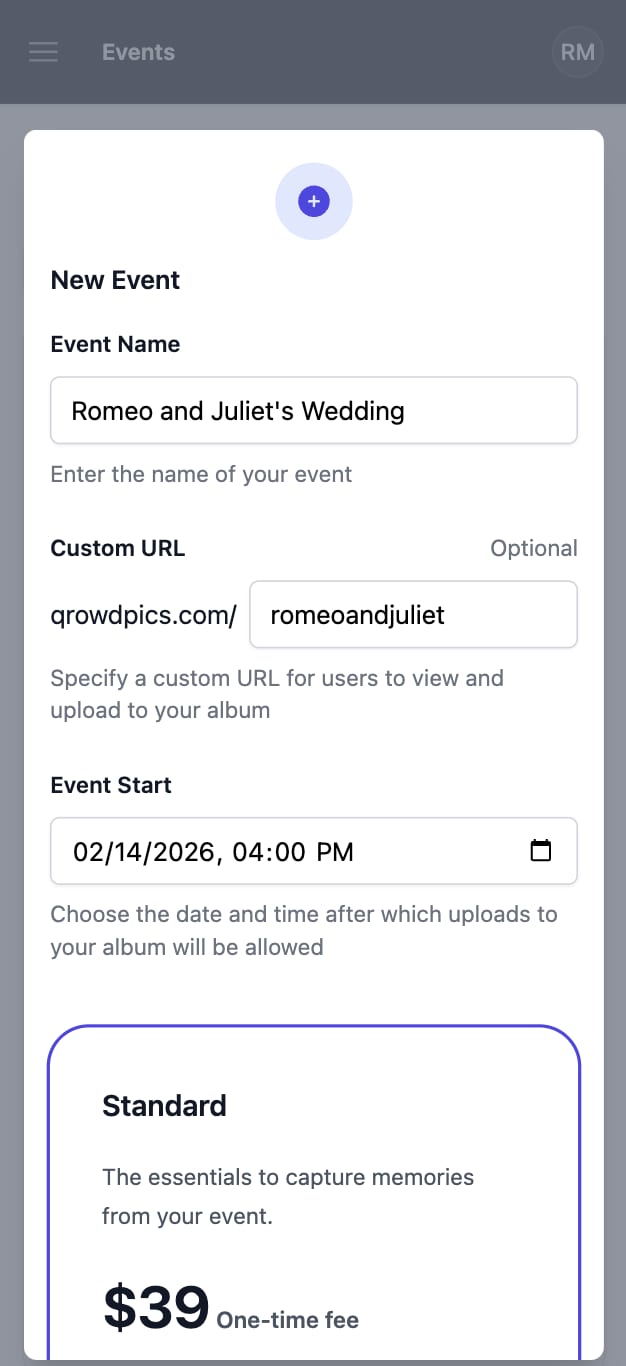
Create your event
Name your event, optionally customize your gallery URL, and set the date and time after which guest uploads will be allowed.
Share with guests
Share your custom gallery URL or QR code with guests - no app downloads or signups required.
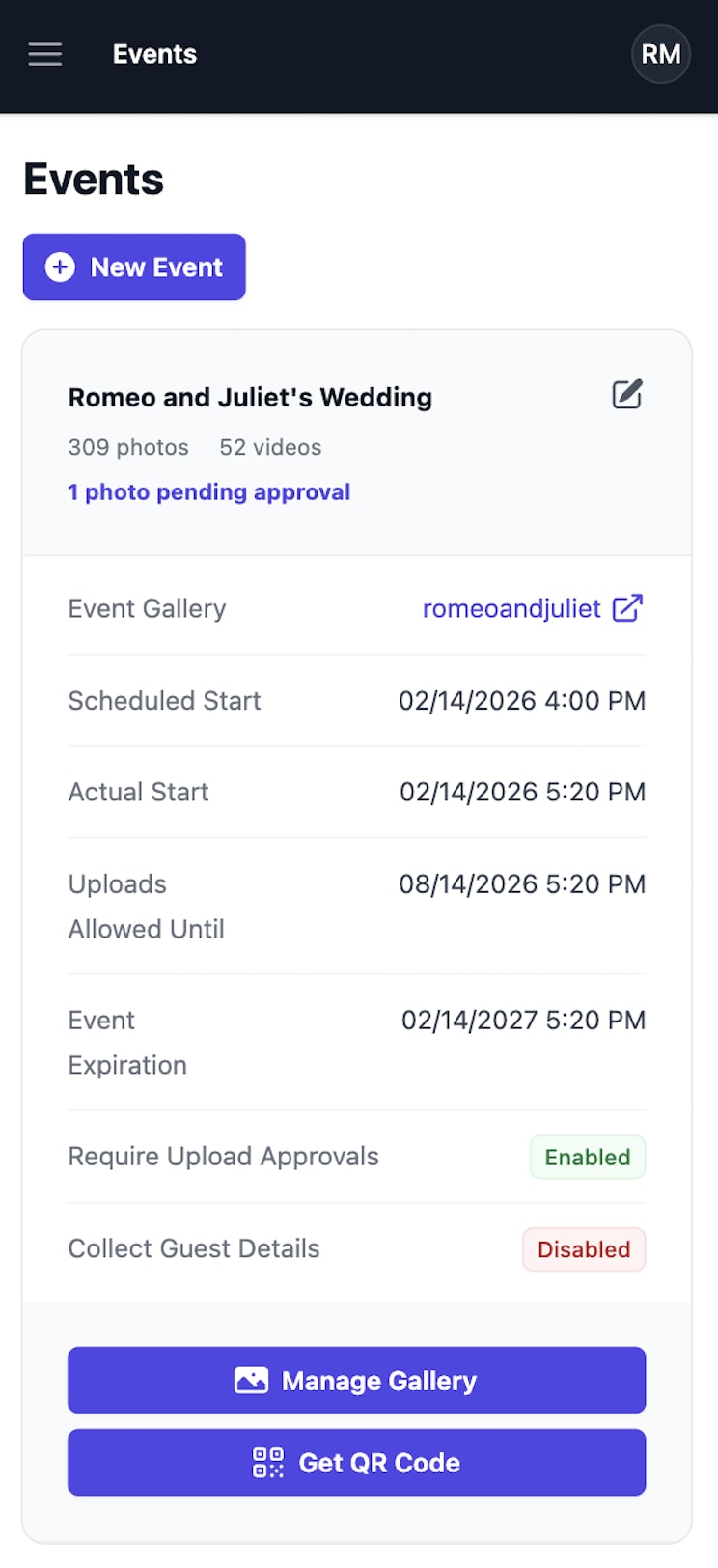
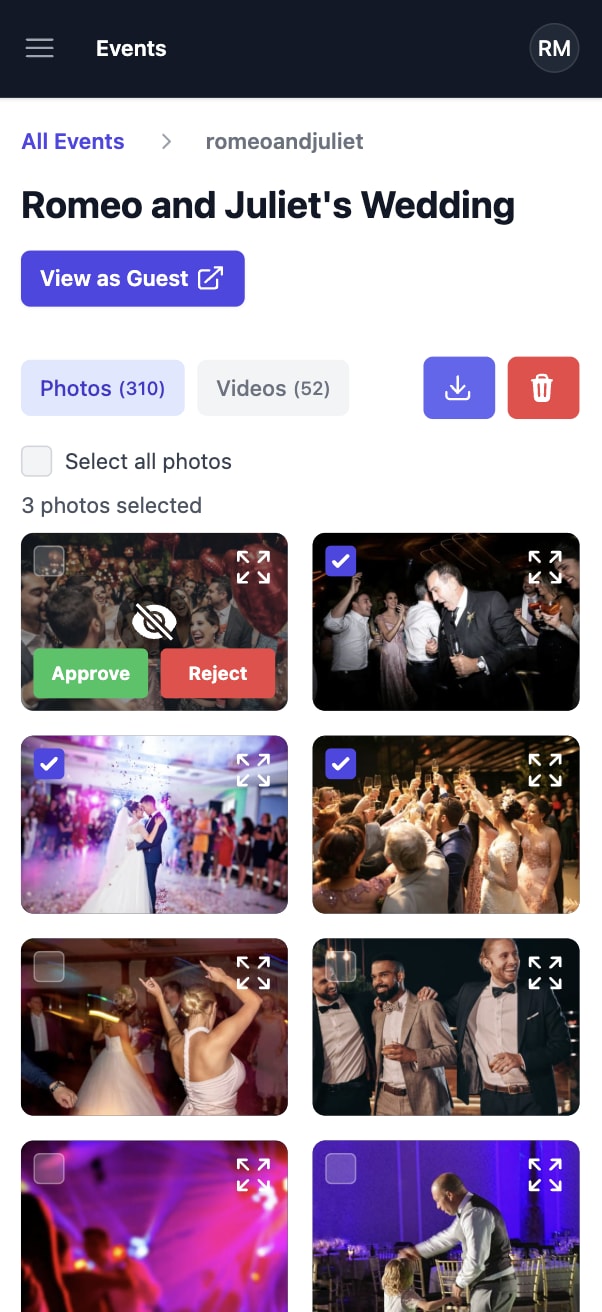
Manage event gallery
Download or delete collected memories at any time. For Premium events with approvals enabled, review each upload before it appears to guests.
Testimonials
Trusted by event hosts everywhere
"I used Qrowd Pics for our wedding on May 2nd, and the service was absolutely fantastic. It made it incredibly easy for our friends and family to seamlessly upload all the pictures and videos they captured throughout the night. Instead of trying to track down photos through texts, emails, or scattered social media hashtags, we had this wonderful, centralized album full of candid moments we otherwise would have missed while we were busy celebrating. The platform was super user-friendly for guests of all ages, and the quality of the uploads was great. We couldn't be happier with how it turned out. We highly recommend Qrowd Pics to anyone looking to capture every angle of their special day!"